
Onboarding
What happens the first time you log in: a few short screens set up your account, a one-minute tour shows you the desk, and a checklist walks you to your first rugger.
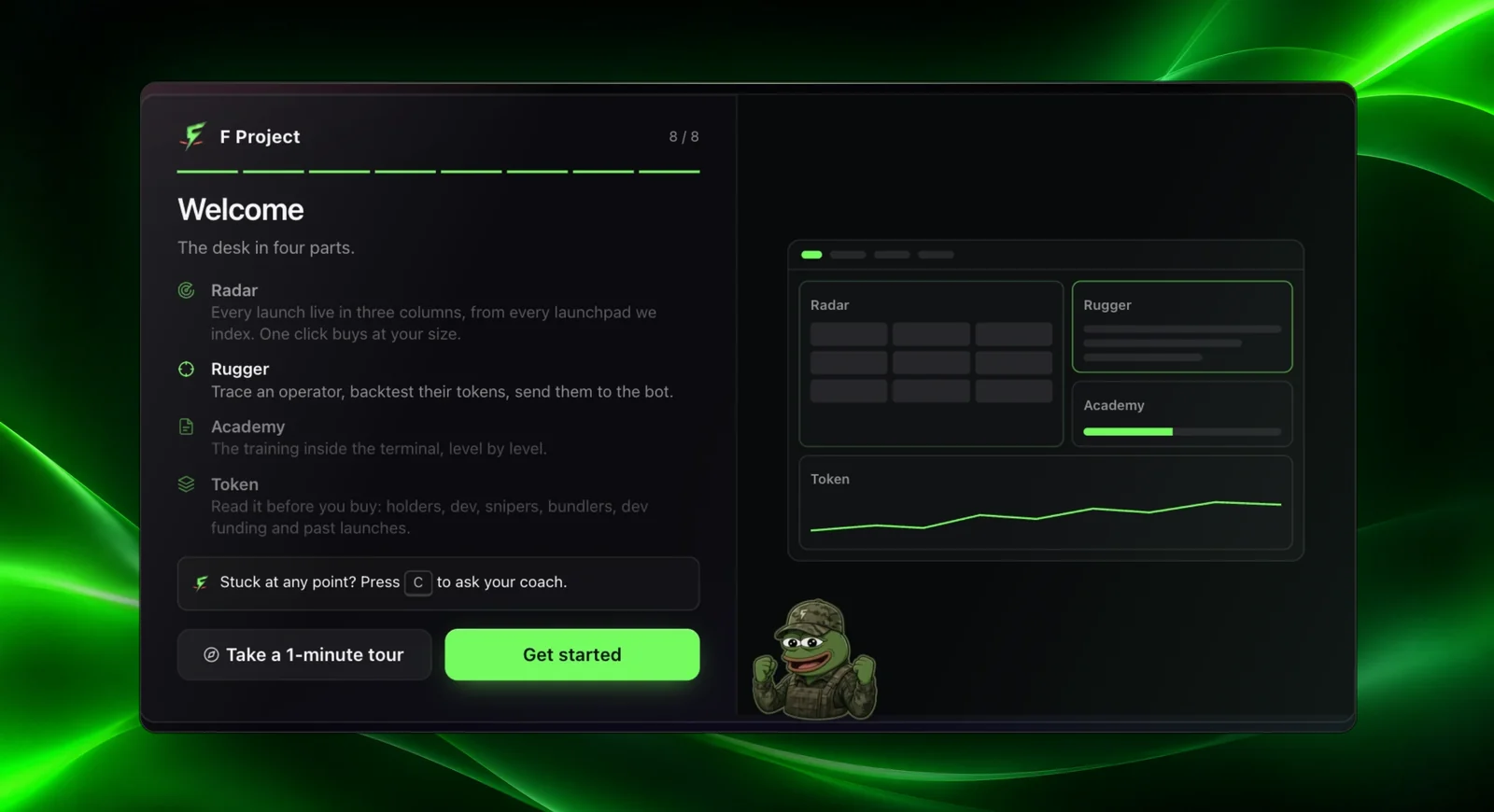
Set up in a few minutes
You log in with the  Telegram account linked to your bot, so your trackers, wallets and settings are already there. The onboarding only sets what is personal: language, profile, password, look, alerts and security. Every screen except the password can be skipped, and everything can be changed later in Settings.
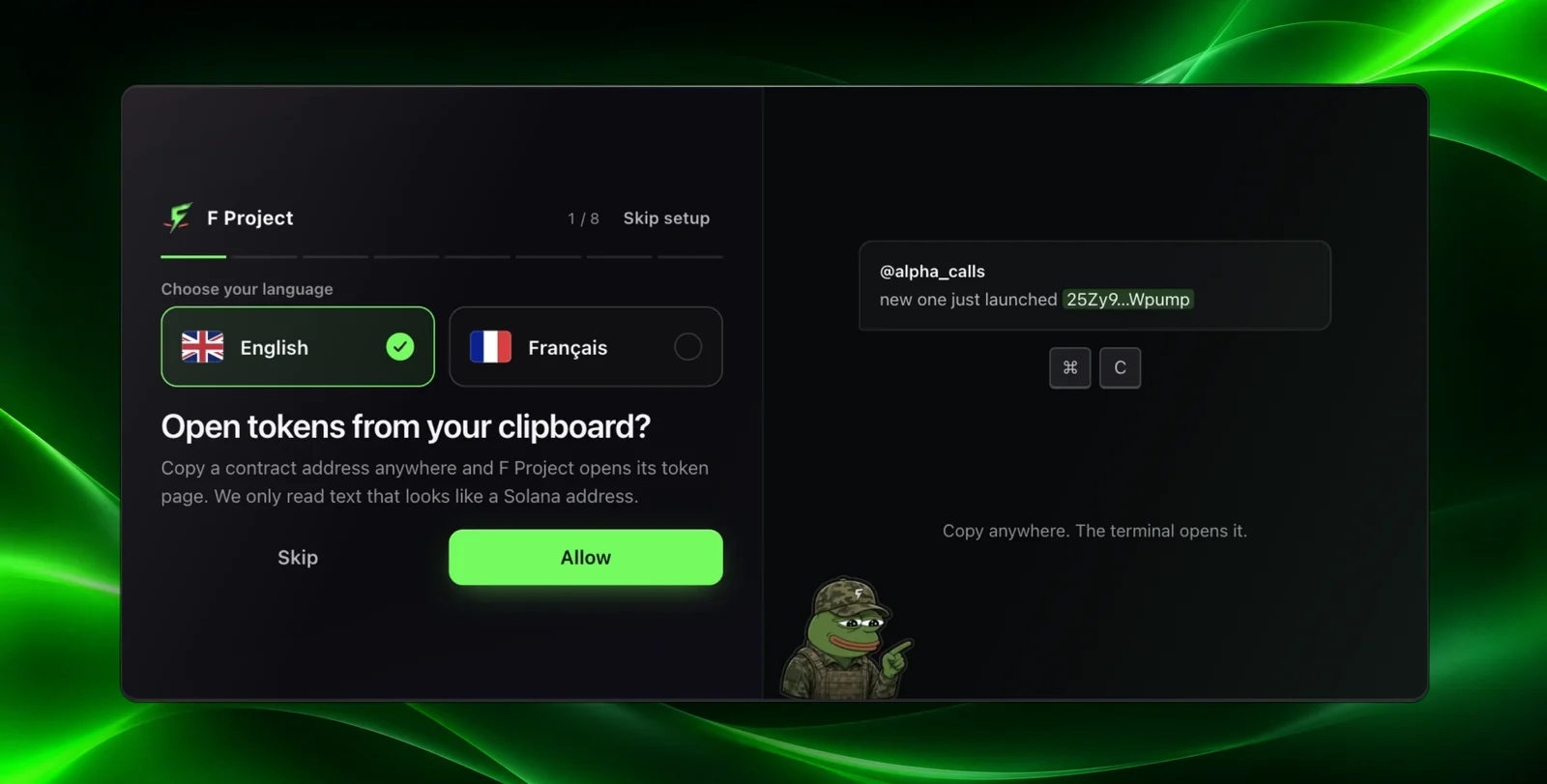
Pick English or Français. Then allow the clipboard: copy a contract address anywhere (X, Telegram, a group chat) and the terminal opens its token page by itself. It only reads text that looks like a  Solana address.
Pick your username. It becomes your referral code, here and in the bot, and your name on the leaderboard. Add a photo, a display currency, and the member who referred you. Once people join with your username, it stays.
The only required step. Your password protects withdrawals and private-key export. Nobody can show it to you again: write it down.
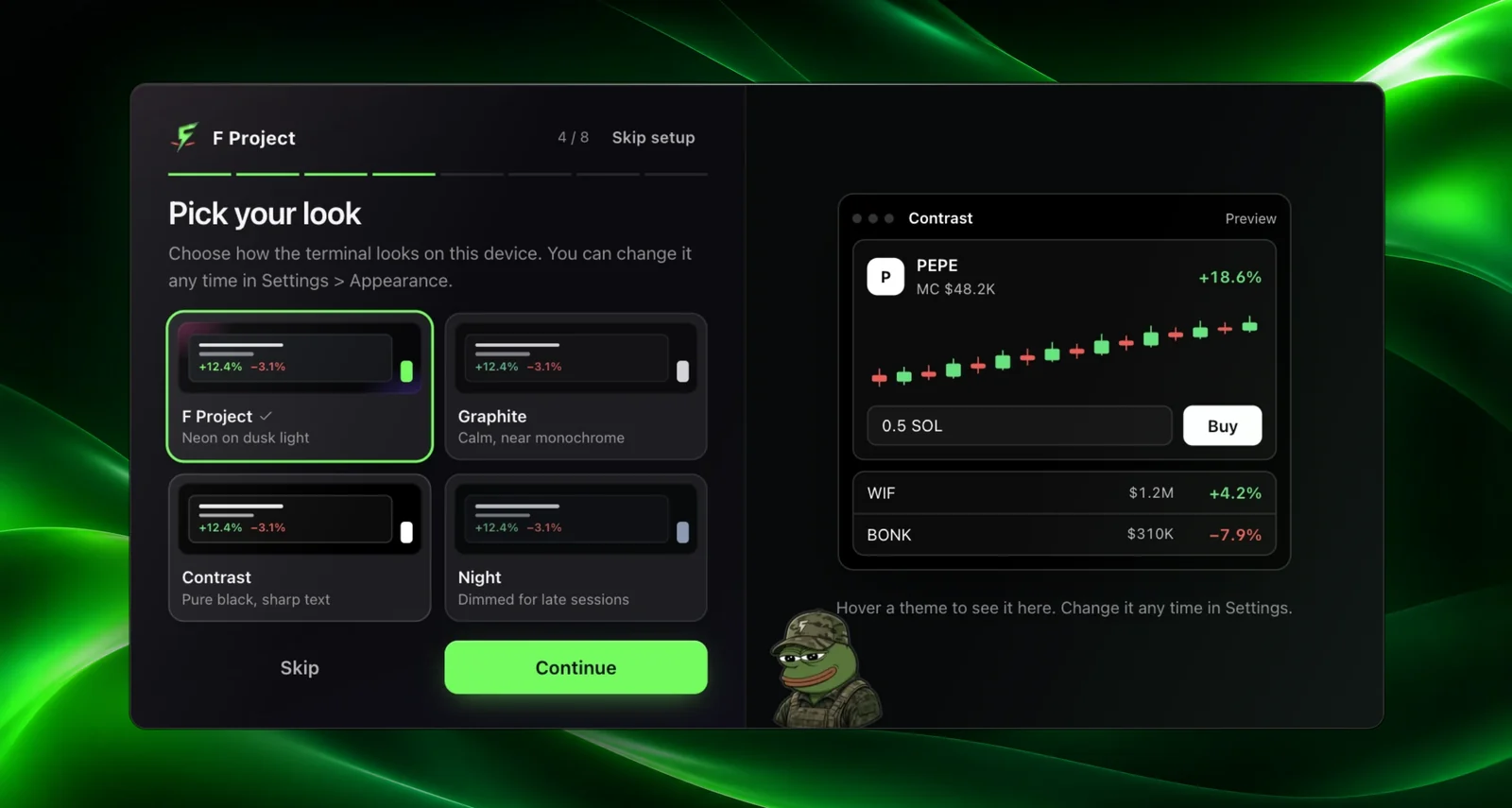
Four themes: F Project (neon on dusk light), Graphite (calm, near monochrome), Contrast (pure black, sharp text) and Night (dimmed for late sessions). Hover one to preview it.
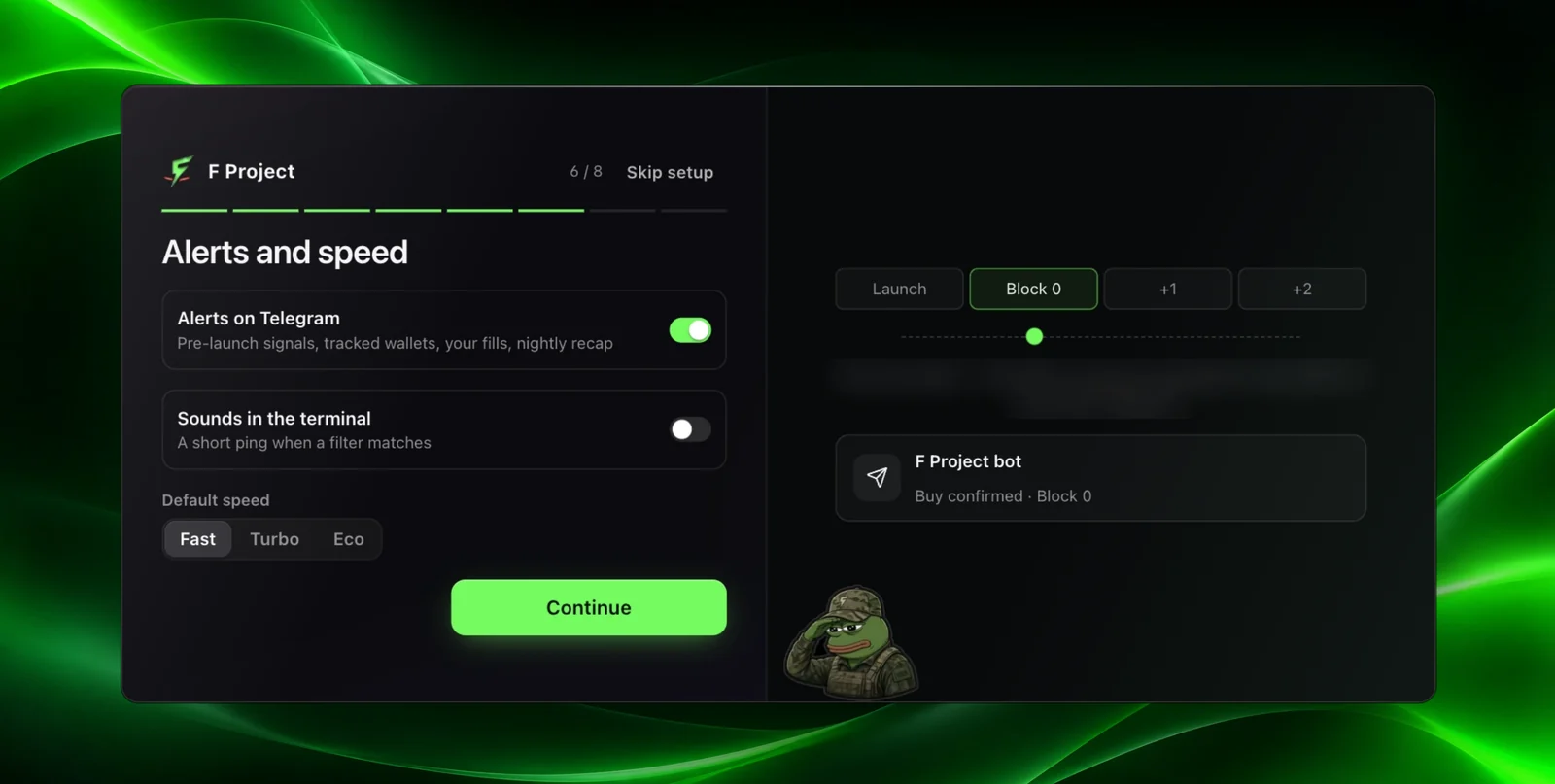
Telegram alerts (pre-launch signals, tracked wallets, your fills, a nightly recap), a short sound when a Radar filter finds a token, and your default speed preset. Fast is the recommended default. See Speed & infrastructure.
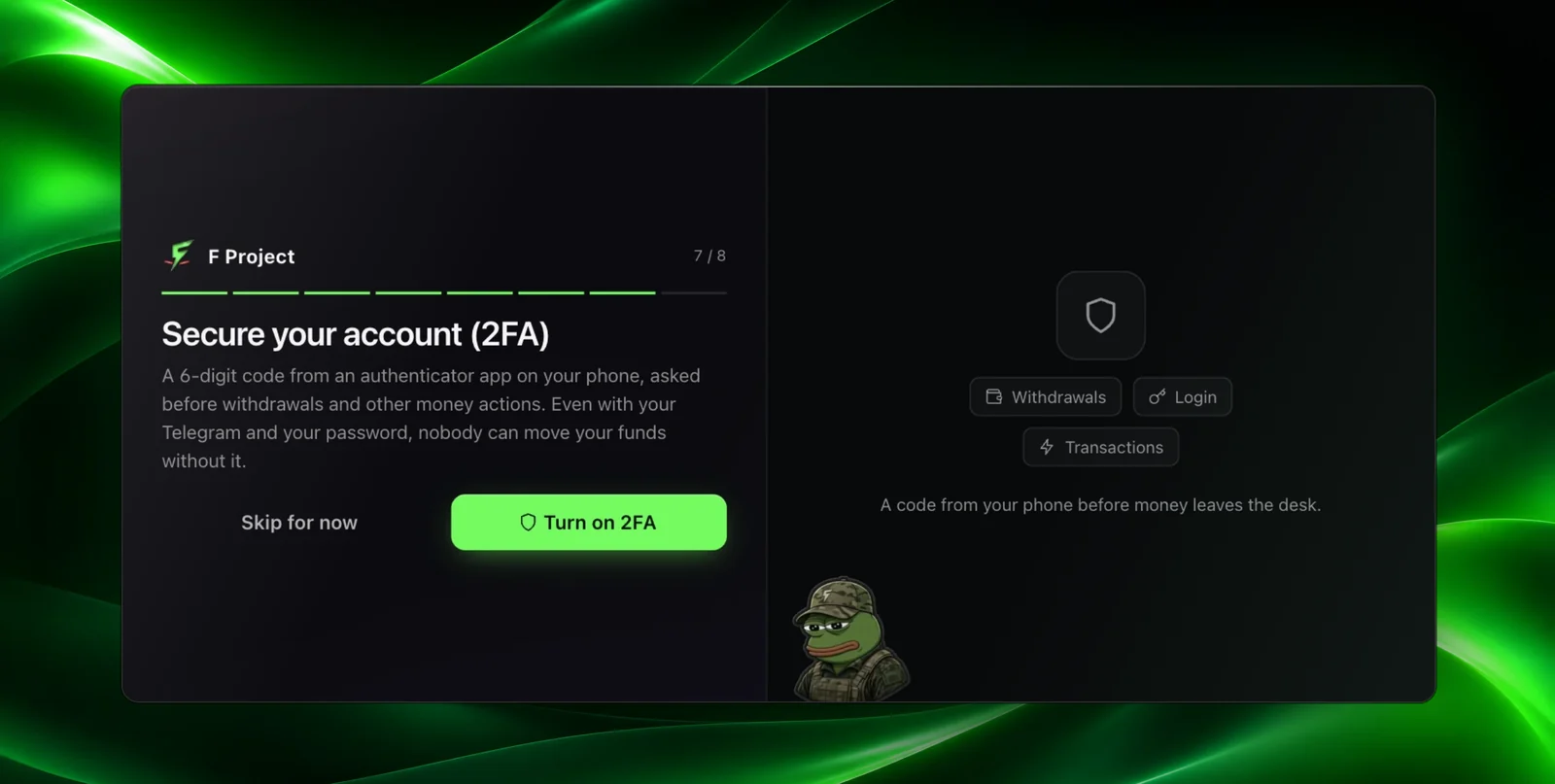
A 6-digit code from an authenticator app, asked before withdrawals and other money actions. Even with your Telegram and your password, nobody can move your funds without it. See Security.
In a hurry? Skip setup keeps only the password and takes you straight to the desk. You can replay the whole onboarding any time from Account › Replay onboarding.
A one-minute tour
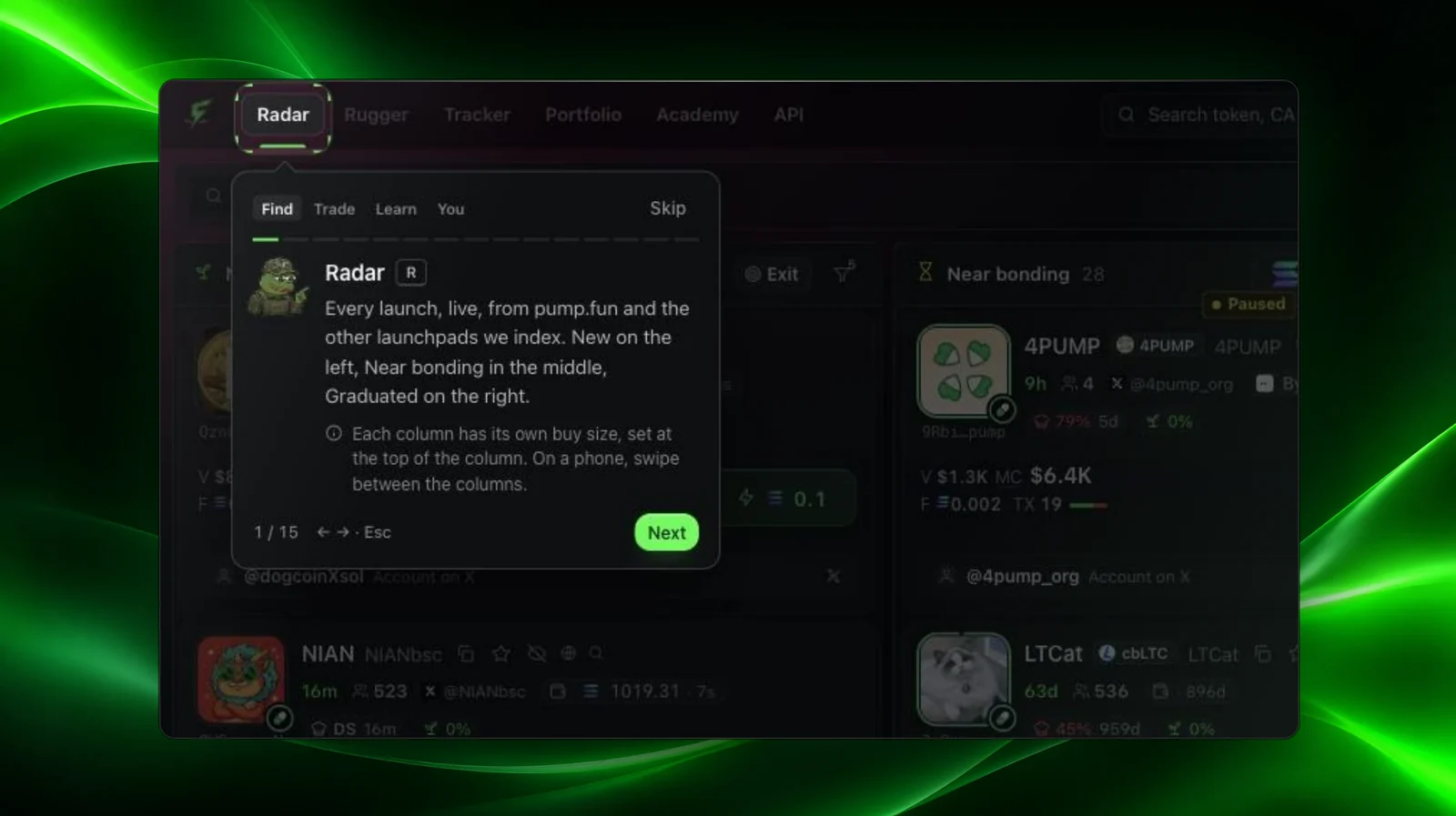
The tour is 15 short bubbles in four chapters: Find, Trade, Learn and You. Some steps ask you to do the thing yourself, like opening a launch from the Radar. At the end, three first moves: deposit SOL, start the Academy, or open the Radar. The tour adds 25 points to your rank.
The Getting started checklist
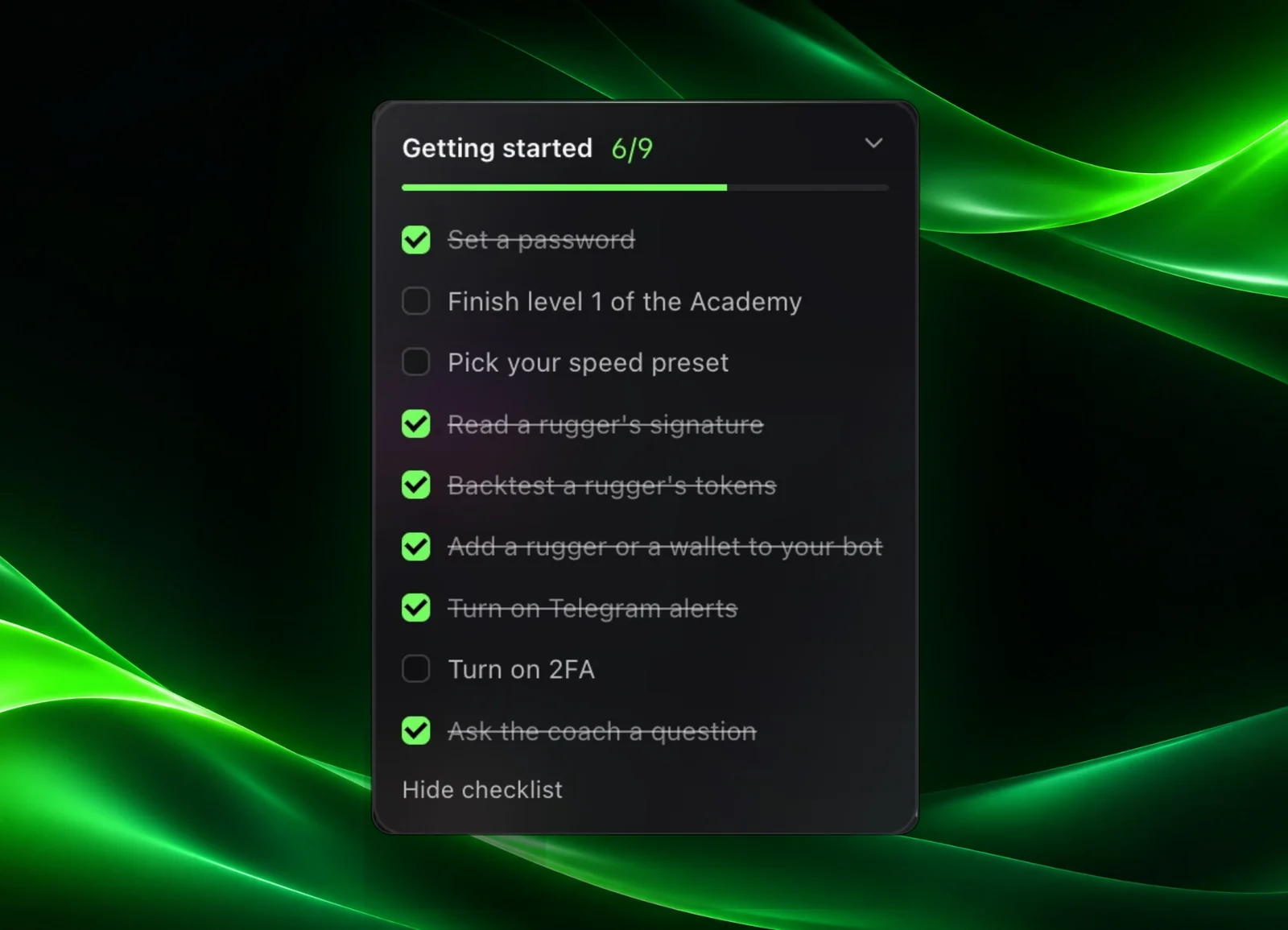
Nine actions take you from zero to a rugger in your bot. Click a line and the terminal opens the right screen.
- Set a password
- Finish level 1 of the Academy
- Pick your speed preset
- Read a rugger's signature
- Backtest a rugger's tokens
- Add a rugger or a wallet to your bot
- Turn on Telegram alerts
- Turn on 2FA
- Ask the coach a question
Stuck at any point? Press H for the help of the page you are on, or C to ask the AI Coach. It knows every screen.