
AI Coach
Ask a question about the page you are on, get a token explained, have an order prepared that you confirm. Free, nothing to connect.
Open it with C. The coach runs on F Project's own AI: free for every member, no outside subscription needed.
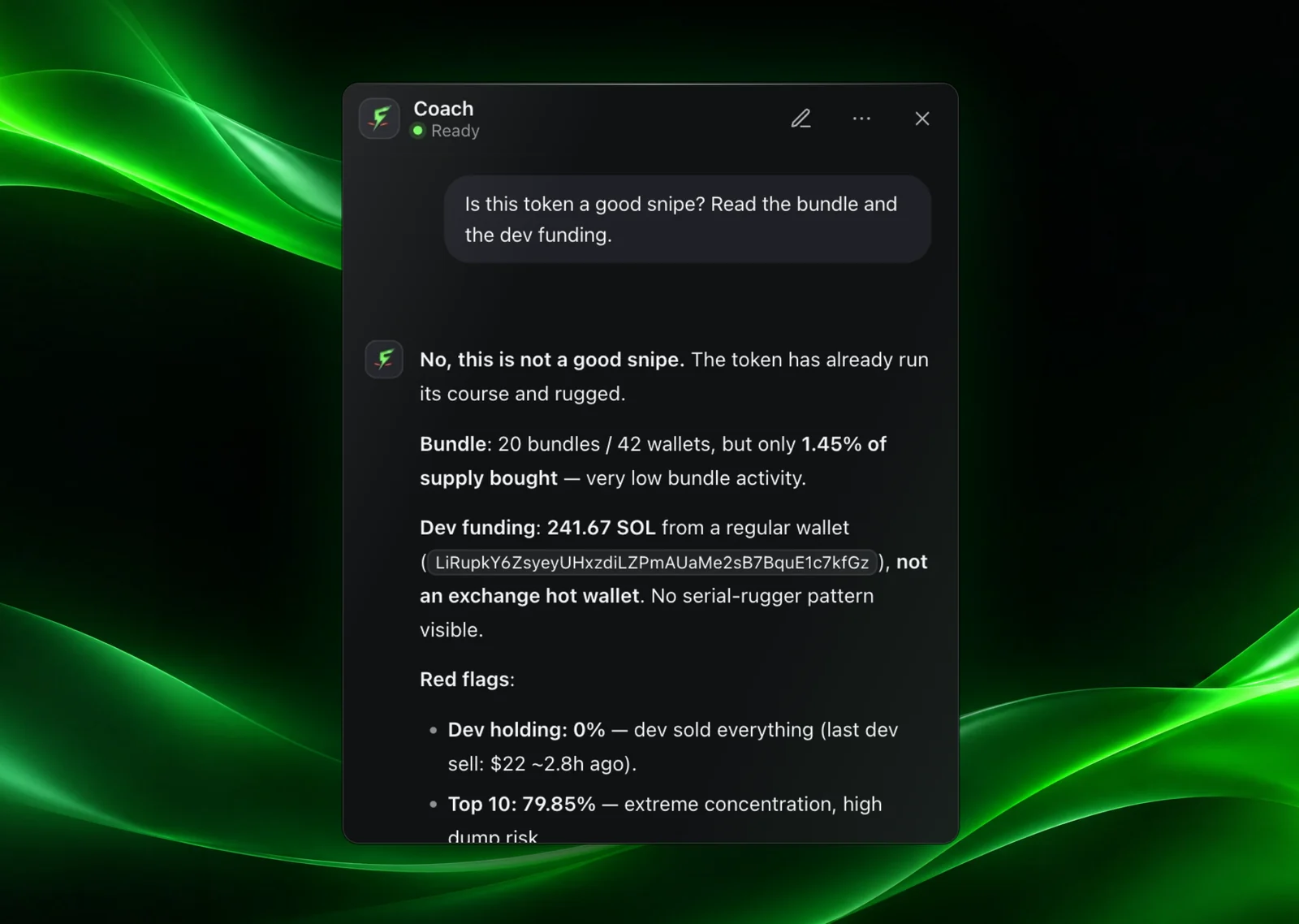
What it can do
| Permission | Examples |
|---|---|
| Look around | Read the token, your positions and orders, the Radar, your ruggers; run an estimated backtest; search an exchange's outflows. |
| Navigate | Open a page, a token, a wallet; switch tabs; set a Radar filter; start a tour. |
| Prepare orders | Fill in a buy, a sell, a limit, exits, a tracker or a backtest. "Prepared, not sent." |
When it proposes a trade, a confirm card shows token, amount, wallets, speed and exits. Only your click sends it, and the card expires after 60 seconds. A green cursor shows you each step it takes in the interface; take over any time.
What it will never do
Blocked in the code, whatever you ask: send, edit or cancel an order by itself, withdraw, transfer, delete, save bot settings, export a key, or read a password or seed.
Never paste a private key or recovery phrase in the coach. It blocks them anyway.
Question ideas
- On a token: "Is the dev clean?", "Propose a 0.1 SOL buy with take profit +100%."
- In the Academy: "Explain the floor", "Why no stop loss?"
- Anywhere: "Why did I lose on my last trade?", "Find a rugger funded by
 Bybit."
Limits: 6 questions a minute and 60 a day per member. Yolo mode (off by default) sends small coach orders after a 3-second countdown; keep it off until you are sure of your prompts.